

Features
Splat Lab!
See the tools kids actually use to make a game.
Chat with Cooper, paint a map, play in the browser, and save screenshots of the funniest moments.
Try the silly ideafirst!

The chat box
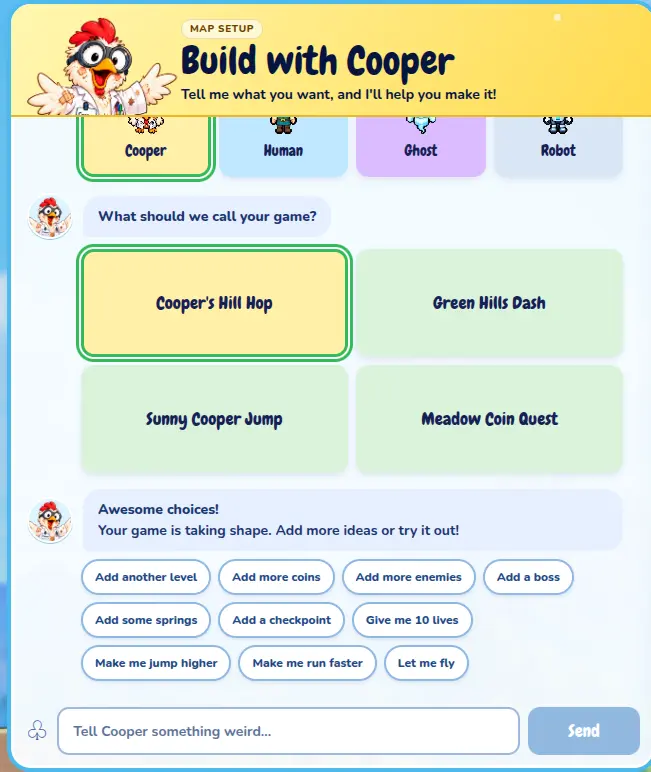
Chat with Cooper
Tell Cooper what you want to make. He asks simple questions, offers wild ideas, and helps turn a spark into a real game.
The builder
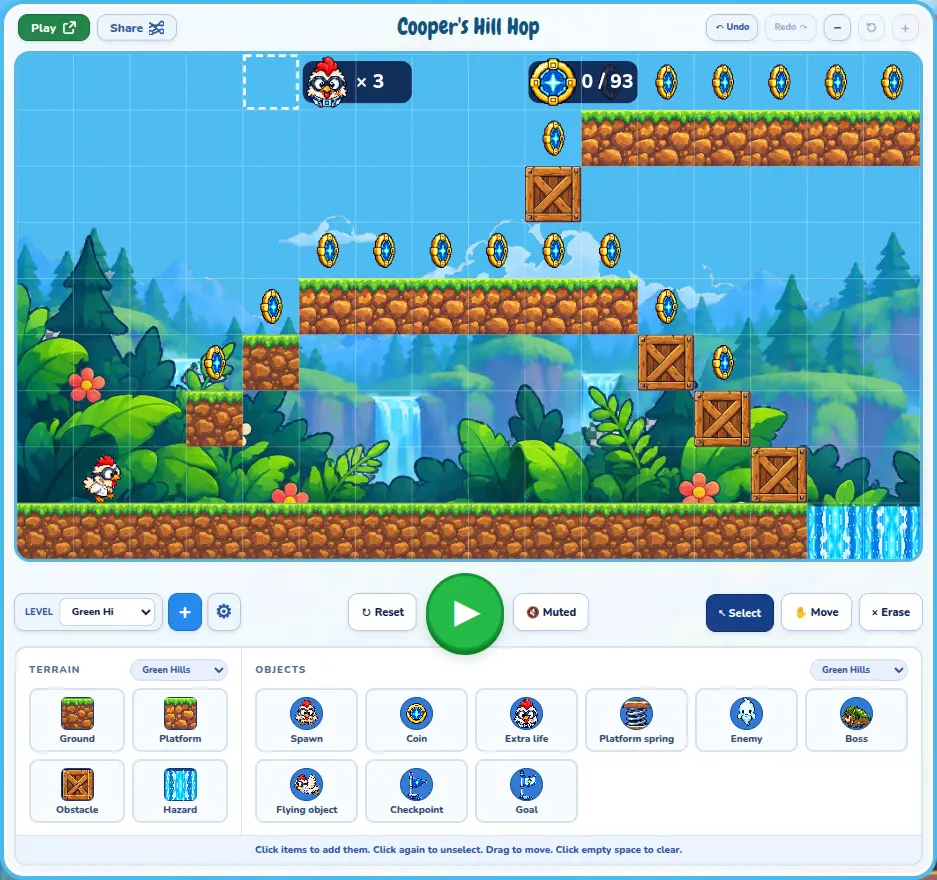
Paint, place, and preview
The live preview is your game. Paint terrain, drop coins and enemies, then hit play to try it instantly — no coding required.
The game player
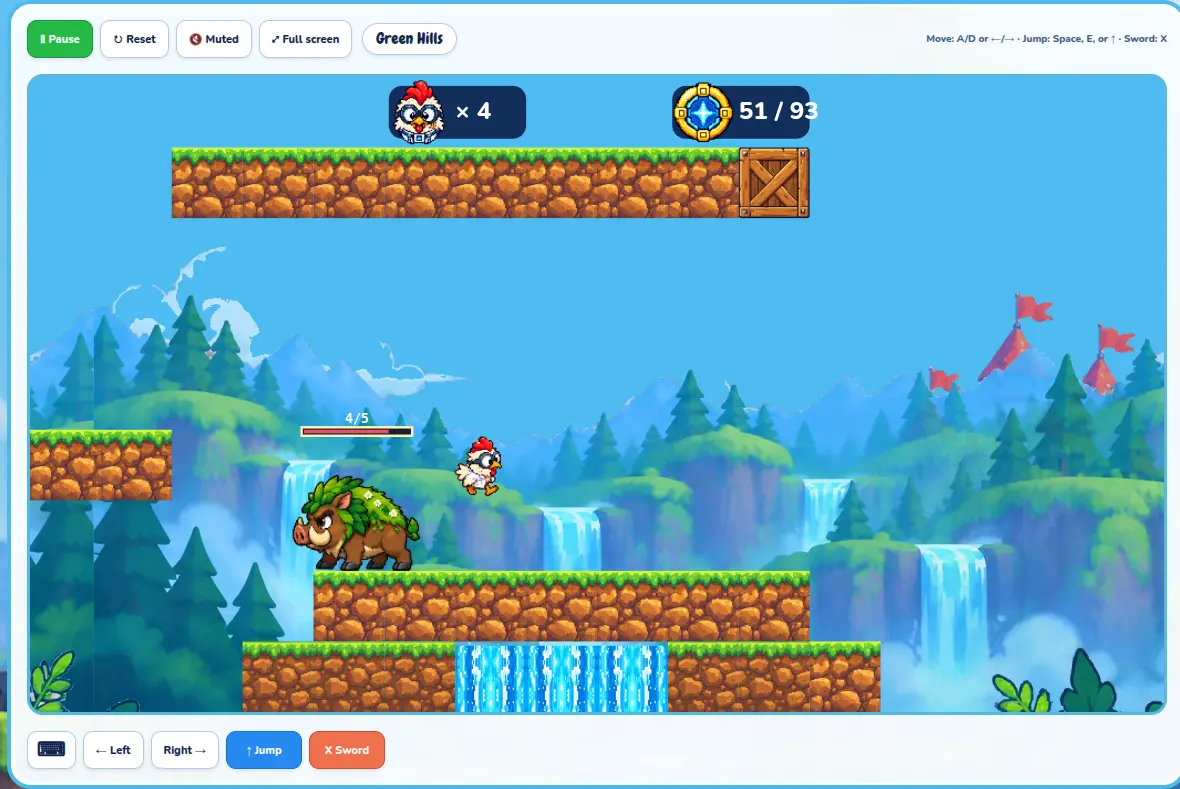
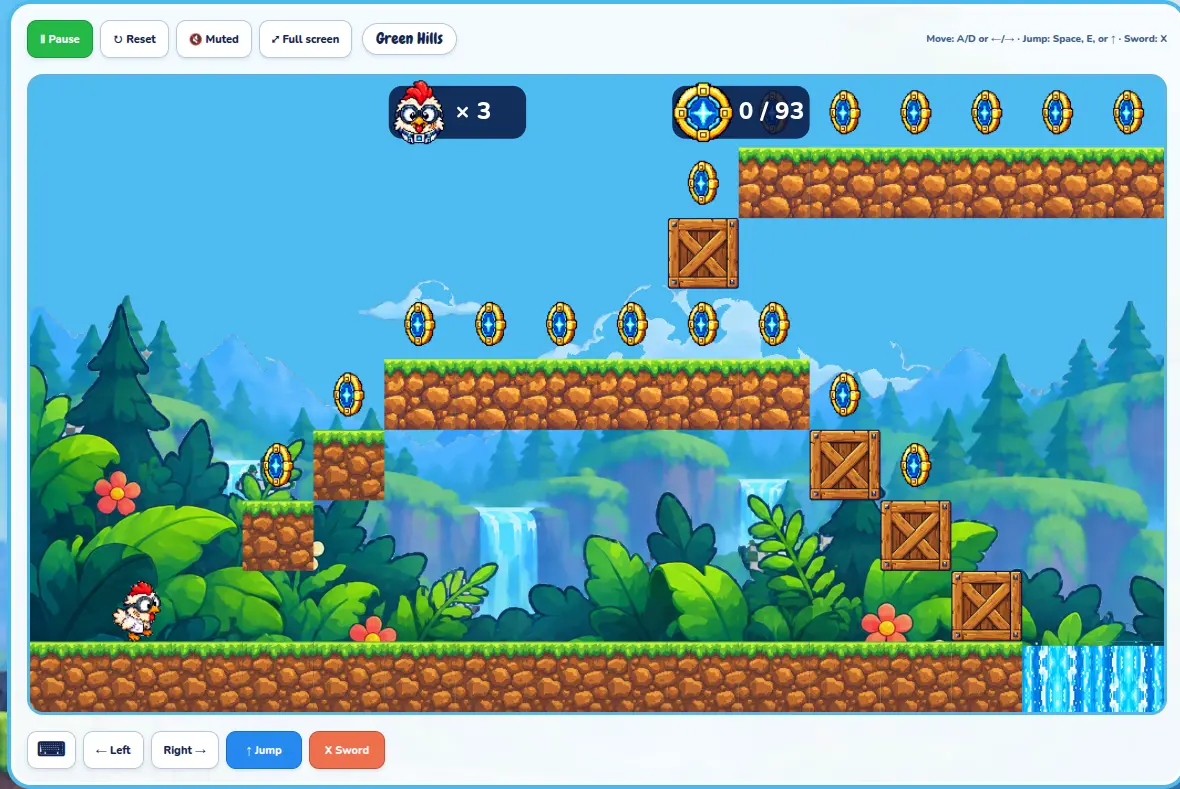
Play in the browser
Open a share link and jump in. Kids can play their games full screen, invite friends, and keep tweaking until it feels just right.
Screenshots
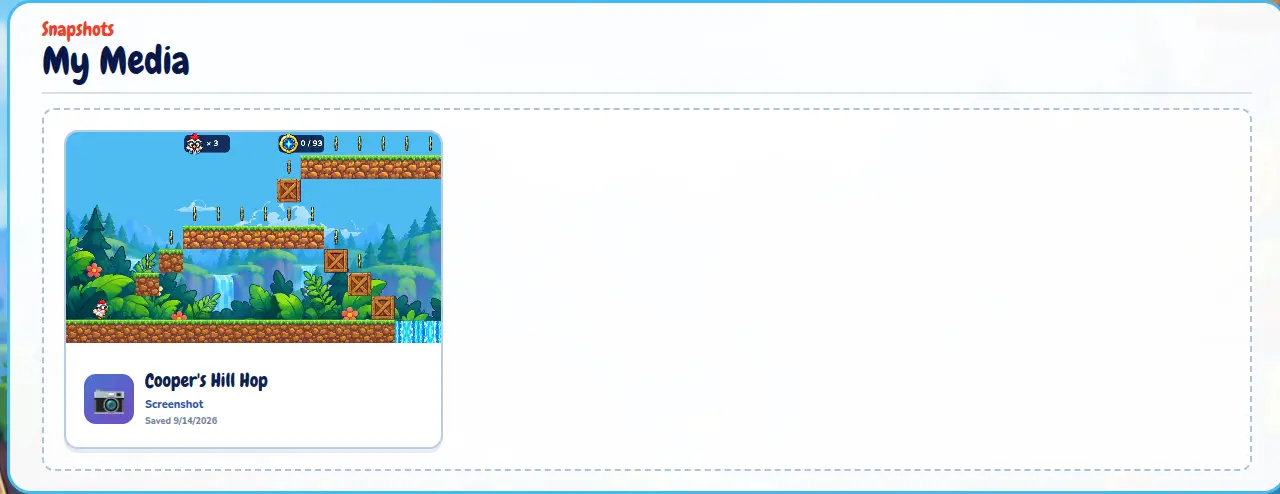
Save the funniest moments
Tap Screenshot on a game and keep the still in My Media. Share a snapshot of a big jump, a boss battle, or a totally silly idea.
My Lab
Your invention table
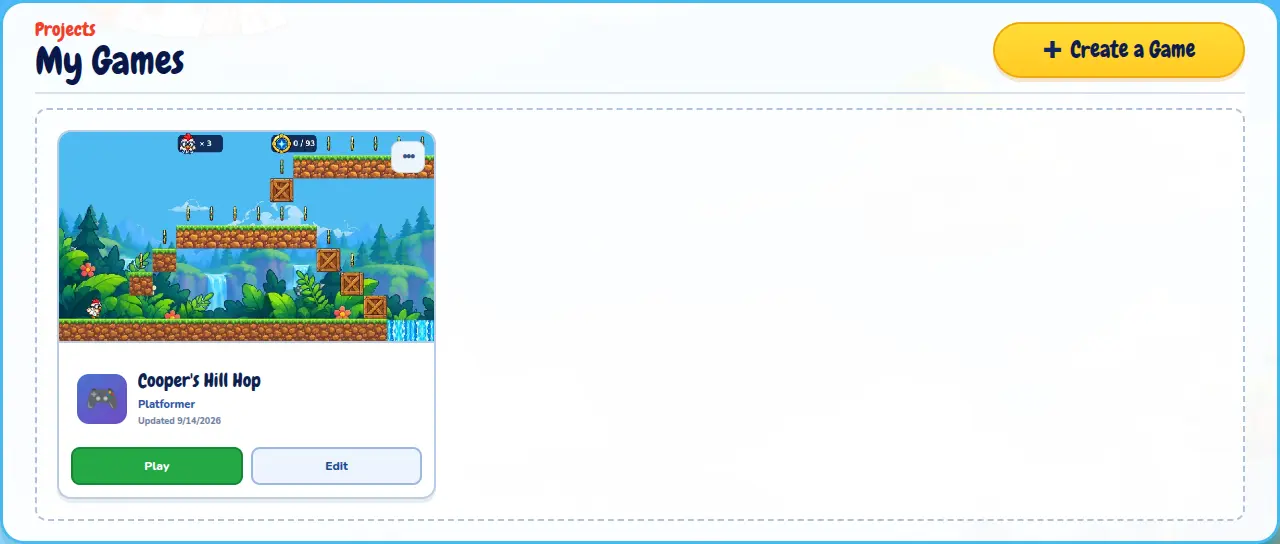
Every game lives in My Lab. Come back with a Lab Key, open a project, and keep building from where you left off.